touchtechwear
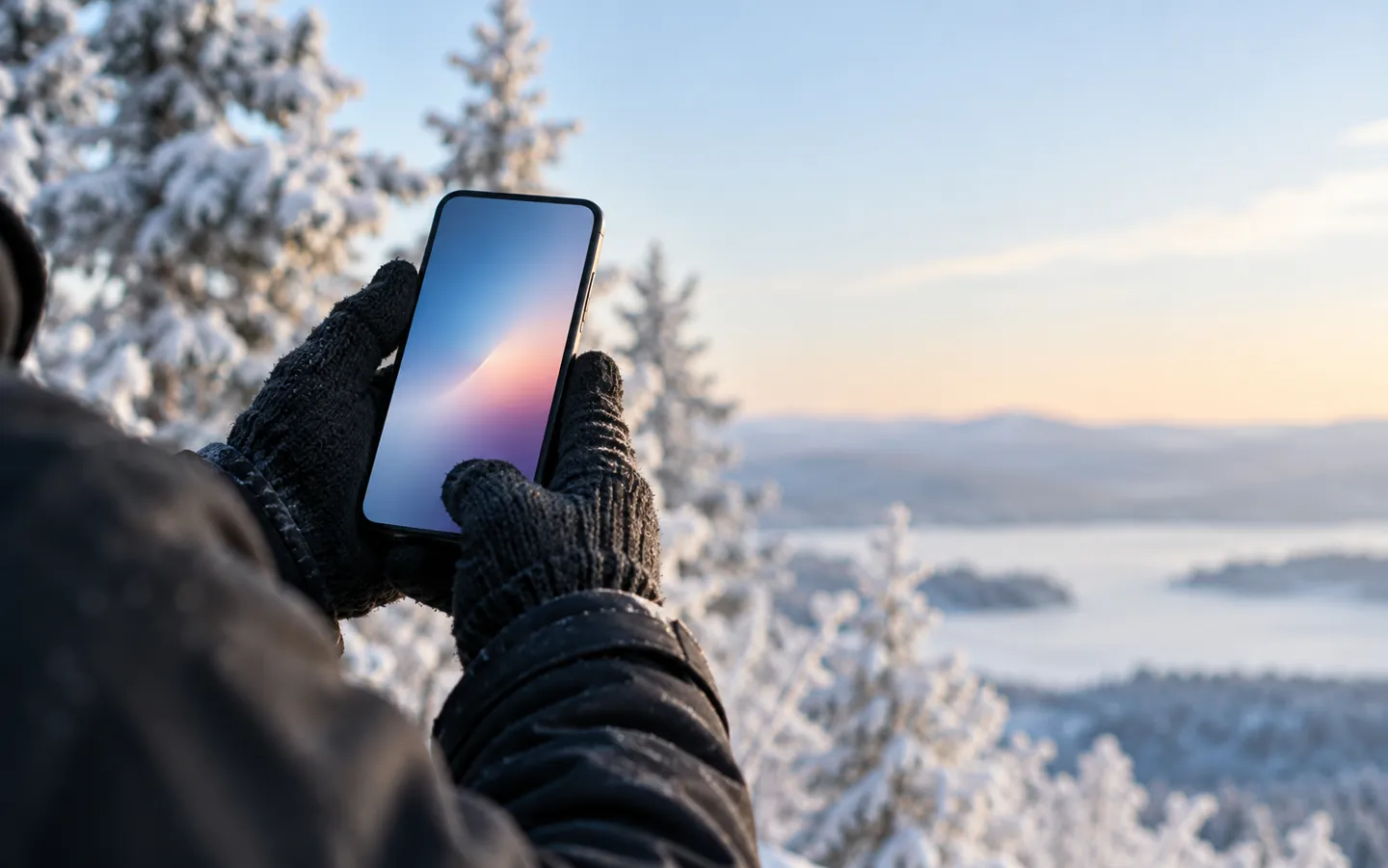
Gloved hands holding a smartphone outdoors on a cold winter day, with frosted trees softly blurred behind
AI-generated image, not a photograph of a real person or place.

HOW TOUCHSCREENS SENSE YOU

Why your phone
can't feel your gloves.

A touchscreen is not feeling pressure.

Most phone and tablet screens are capacitive: they sense how a conductive fingertip changes a tiny electric field. Wrap that fingertip in wool or leather and the screen may not notice it at all. Here is why, and what helps.

CONDUCTIVE is what counts

Test what works

THE SHORT ANSWER

The screen needs
a conductor.

Capacitive screens look for a change in an electric field.
Your body makes that change; most fabrics do not.

WHY GLOVES FAIL

Insulation blocks the signal

Because the human body conducts electricity, a fingertip distorts the screen's electrostatic field. Some capacitive screens cannot detect a finger through insulating material such as gloves.

Test what works

CONDUCTIVE THREAD

A patch that bridges the gap

Special gloves get round it with an embroidered patch of conductive thread at the fingertip, which makes electrical contact with your skin.

Four things to try

THE STYLUS

A conductive stand-in

A capacitive stylus has a conductive shaft and a soft conductive rubber tip, connecting your fingers to the screen. An ordinary plastic stylus will not register.

See the numbers
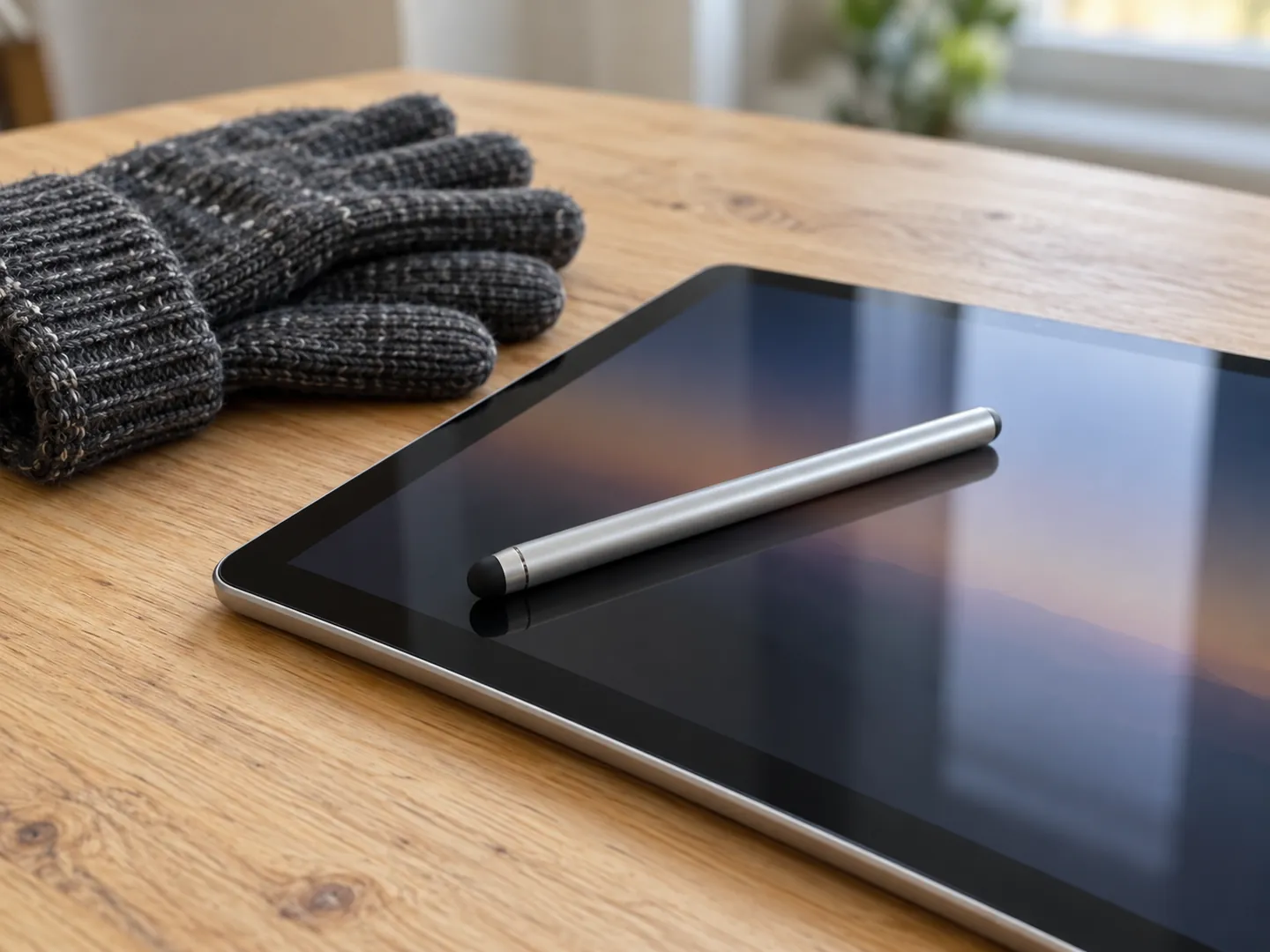
A capacitive stylus with a soft rounded rubber tip lying on a tablet screen on a wooden table
AI-generated image, not a photograph of a real person or place.

FOUR THINGS TO TRY

Keep your gloves on,
keep your screen working.

None of these needs new technology. They work with how capacitive screens sense a touch.

  1. Look for a conductive fingertip

    Touchscreen gloves carry a patch of conductive thread on the fingertips. Use those fingers, not the plain ones.

  2. Try a glove or sensitivity mode

    Some devices can raise touch sensitivity for gloves. It can help, but it may also cause unreliable or phantom touches.

  3. Carry a capacitive stylus

    A conductive shaft and soft conductive tip work through a gloved hand on the stylus. Plain plastic styluses will not.

  4. Keep the screen dry

    Some capacitive screens fail with even a little water on the glass, and sweaty fingertips can leave conductive smudges.

TWO NUMBERS WORTH KNOWING

A small change,
a long history.

How small the signal from a finger can be,
and how long one early capacitive screen design lasted.

≈ 10%

Rise in a touch button's capacitance

CERN's early capacitive touch buttons measured about 200 pF, rising by about 10% when a finger came close. A lacquer coating kept fingers from touching the capacitors.

FINGER SIGNAL · CERN, 1973

30years

Lifetime of the first control-room screens

When CERN's SPS accelerator started up in 1976 its control room was fully equipped with capacitive touch screens. Some kept working until 2006.

IN SERVICE · CERN COURIER

An earlier finger-driven capacitive touchscreen was described in 1965 by a researcher at the Royal Radar Establishment in Malvern, England.

A QUICK TOUCH CHECK

What is touching
the screen?

Pick what is on your fingertip to see how a typical capacitive phone or tablet screen is likely to respond. The bar shows how readily the screen can sense it.

Touch check

Choose a fingertip
A bare, dry fingerWorks

This is what capacitive screens are designed for. The conductive fingertip changes the field and the controller works out where.

A thick wool or leather gloveOften ignored

Insulating material keeps the finger from being sensed. Glove thickness and material both play a significant role.

A thin gloveMay work

Projected capacitive screens can sense a finger near the surface, which allows sensing through light gloves. Thin medical gloves are thin enough for many uses.

A glove with a conductive-thread tipDesigned to work

An embroidered patch of conductive thread makes electrical contact with your fingertip, so the screen can sense it through the glove.

A plain plastic stylusNot sensed

Many styluses made for older pressure-sensitive screens are not conductive, so a capacitive screen will not register them.

Sources: Wikipedia, Touchscreen and Capacitive sensing articles (glove touch, capacitive styluses).

Results vary with the screen, its settings and the thickness and material of the glove.

Close-up of a knitted glove fingertip with a stitched patch of silvery conductive thread touching a glass screen
AI-generated image, not a photograph of a real person or place.

OTHER KINDS OF SCREEN

Not every screen
needs bare skin.

Resistive touchscreens sense pressure as two layers are pushed together, so they work with gloves or any rigid object. They are used in restaurants, factories and hospitals because they tolerate liquids and dirt.

Infrared screens use a grid of light beams around the edge and can detect essentially any opaque object, gloved fingers included. That makes them common outdoors and at points of sale.

Questions

Questions people ask

Why do touchscreens not work with gloves?

Most phone and tablet screens are capacitive. The body conducts electricity, so a bare fingertip changes the screen's electric field. Insulating materials such as most glove fabrics stop some screens from sensing the finger.

How do touchscreen gloves work?

They have an embroidered patch of conductive thread at the fingertip that makes electrical contact with your skin, so the screen can sense your finger through the glove. Because the body conducts electricity, the screen reacts to that fingertip much as it would to a bare one.

Do thin gloves work on a touchscreen?

Sometimes. Projected capacitive screens can detect a finger near the surface, which allows sensing through light gloves, and thin medical gloves are thin enough for many users. Thicker materials are less likely to work.

What should I check before buying touchscreen gloves?

Four things. Which fingertips carry the conductive patch: only those will work, so make sure they are the ones you tap and swipe with. The fit: the patch works by making electrical contact with your skin, so it needs to sit close against your fingertip. Thickness and material: insulating fabrics block the signal, and how thick the glove is also matters. Your own screen: results vary from device to device, and a glove or higher-sensitivity mode can help but may cause phantom touches.

Why does my screen go wrong when it is wet?

Some capacitive screens can fail to sense correctly with even a small amount of water on them, and conductive smudges from sweaty fingertips can interfere, especially in high humidity.

Who made the first capacitive touchscreen?

A finger-driven capacitive touchscreen was described in 1965 by a researcher at the Royal Radar Establishment in Malvern. CERN developed transparent capacitive screens in the early 1970s and used them in its SPS control room from 1976.

Sources

  1. CERN Courier: The first capacitative touch screens at CERN
  2. Wikipedia: Touchscreen (capacitive touchscreens, glove touch, history)
  3. Wikipedia: Capacitive sensing (projected capacitance, styluses, moisture)
  4. Johnson, E. A. (1965) Touch display: a novel input/output device for computers, Electronics Letters

What changed

  • : Expanded the answer to How do touchscreen gloves work? and added a buyer FAQ on what to check before buying touchscreen gloves (conductive fingertips, fit, thickness and material, your own screen), based on the page's existing sources.

Updated

ABOUT THIS NAME

Interested in leasing touchtechwear.com?

touchtechwear.com is part of the DoodleSale portfolio. It isn't in an auction right now, but you can ask about leasing it.

Ask about this name